
{% hint style="info" %} Ensure the Studio module is installed: install-studio-module.md {% endhint %}
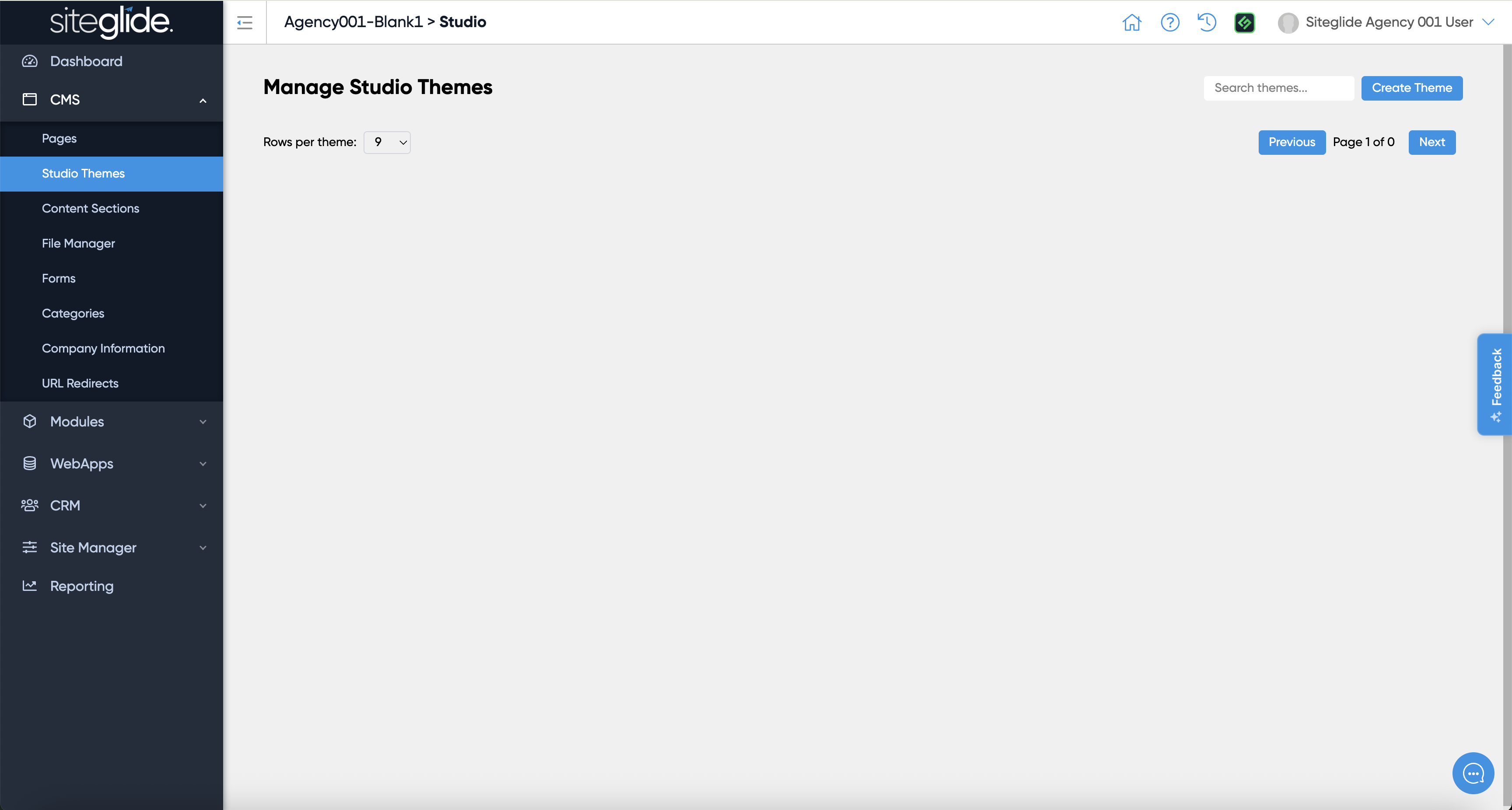
From the Admin area of a site that has the Studio Module installed head to CMS > Studio Themes and click Create Theme:
Here you can create a blank Theme or install from the Marketplace library of Themes:
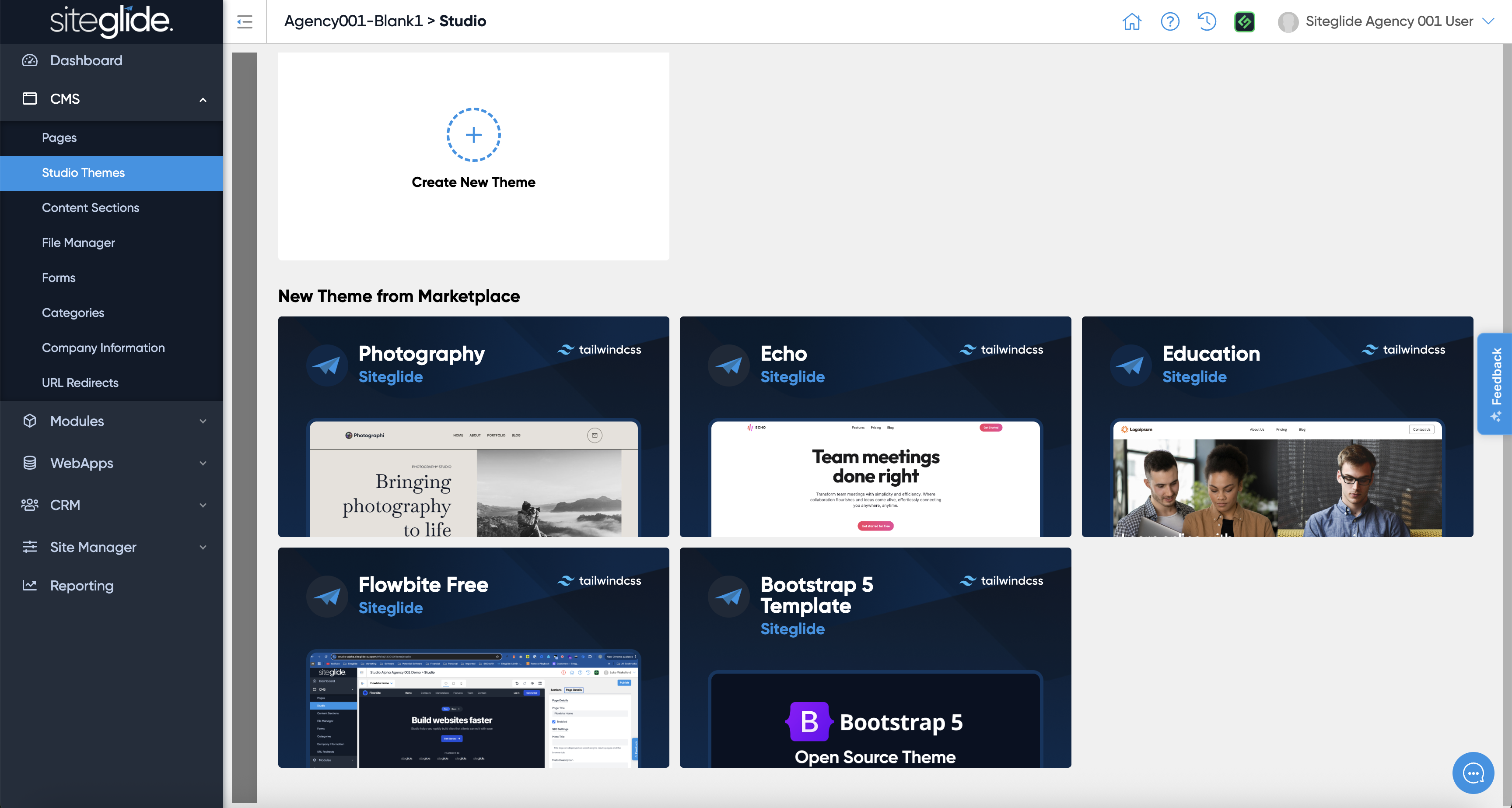
Click install on your chosen Theme (or create a new one) and you'll then be able to edit the Styling or Sections areas:
{% content-ref url="theme-styling.md" %} theme-styling.md {% endcontent-ref %}
{% content-ref url="theme-sections.md" %} theme-sections.md {% endcontent-ref %}