
Alternatively you might want to use Studio on an existing website or from a blank site if you don't need the whole template and all the pages.
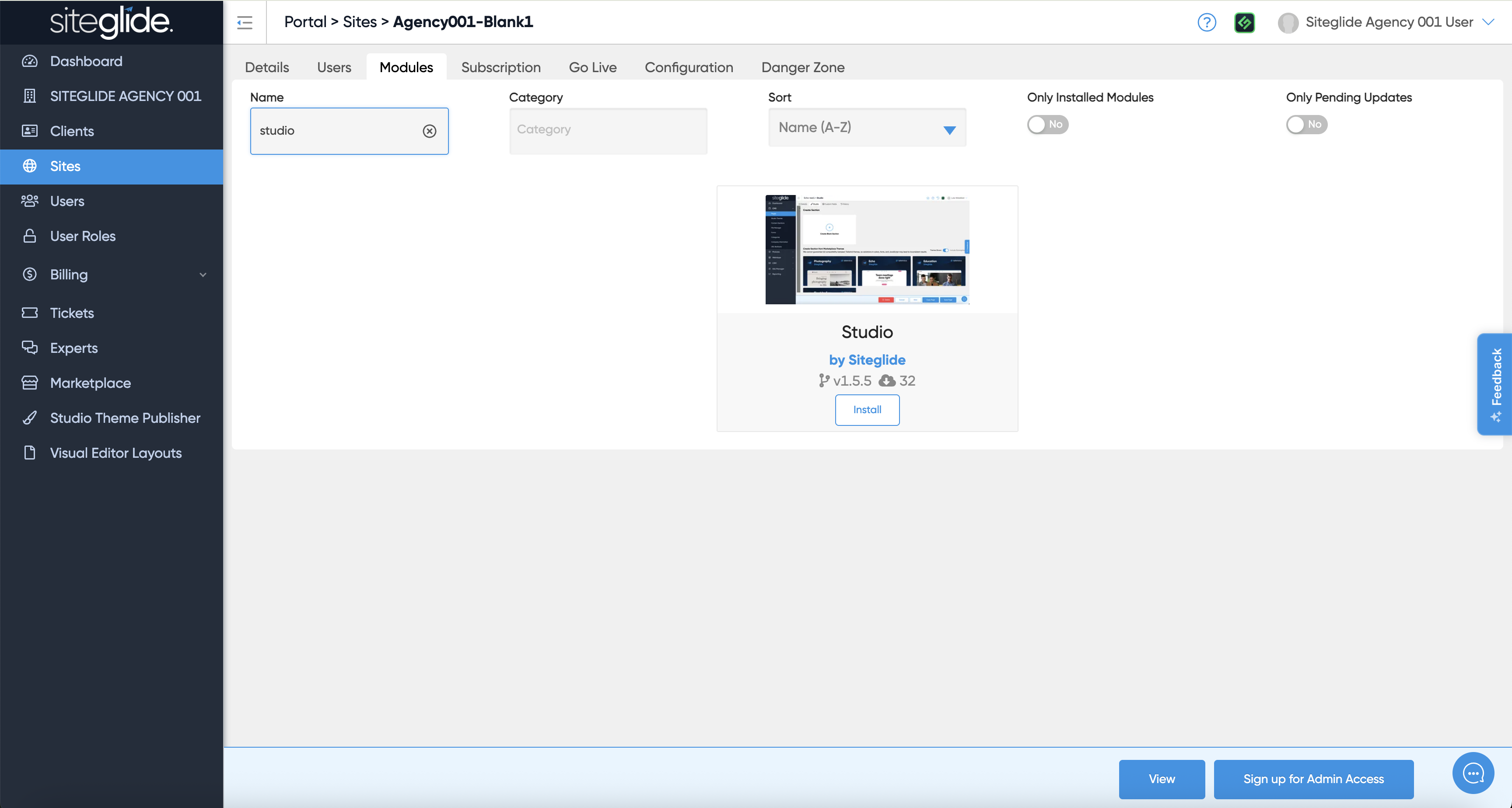
First install the Studio Module from the Siteglide Marketplace in Portal:
You will likely then want to install or create a Studio Theme:
{% content-ref url="studio-themes/install-a-studio-theme.md" %} install-a-studio-theme.md {% endcontent-ref %}
You then setup/customise your Theme, Templates and Pages manually. Previous Siteglide experience is recommended so consider using a Site Template instead:
{% content-ref url="setup.md" %} setup.md {% endcontent-ref %}
Follow our interactive guide:
{% embed url="https://app.arcade.software/share/Tf6Hqdw0SwpRTcdjjgPK" %}